Adding dialogues
It's best to first read Cinematics before starting this tutorial.
In this tutorial, you will learn how to add dialogues to your interactions.
Adding a dialogue
In cinematic their are a variety of dialogues available like: spoken, actionbar, title, subtitle. For this tutorial we will use actionbar but all others have similar features.
First click on the + icon in the top right corner of the panel and search for Add Actionbar Dialogue Cinematic. Add it to your page by clicking on the + icon.
Configuring the dialogue
Now we need to configure the dialogue.
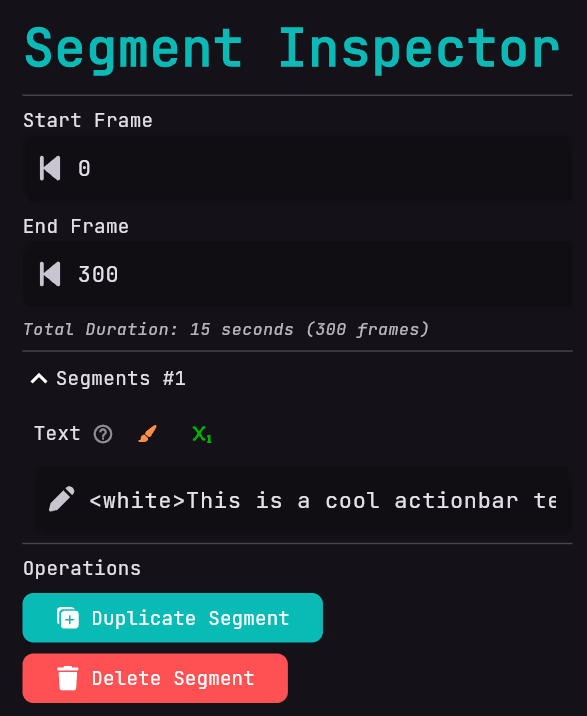
First we need to add a speaker to the dialogue. After that we need to add a segment this can be done by going to the operations and clicking on Add Segment.
Configuring the dialogue segment
Now inside the segment you can go to the Text field and adding a text like <white>This is a cool actionbar text!</white>.
Result
Now you have successfully added the dialogue you can view it in your cinematic.